# Clash Verge For Mac
## 下载安装Clash Verge
[下载链接「Apple M芯片」](https://github.com/clash-verge-rev/clash-verge-rev/releases/download/v2.4.5/Clash.Verge_2.4.5_aarch64.dmg)
[下载链接「Intel芯片」](https://github.com/clash-verge-rev/clash-verge-rev/releases/download/v2.4.5/Clash.Verge_2.4.5_x64.dmg)
请使用上面的地址自行下载安装
## 软件进行基础设置(重要请勿跳过)
请严格按照下面说明的方式对Clash Verge软件进行基础设置,否则有可能会造成网络中断、不稳定、解锁失效等奇怪的问题。
点击左侧 「设置」,按照下图所示,关闭 「DNS覆写」,关闭「IPv6」,打开 「统一延迟」。
## 导入订阅
登陆我们的官网用户中心获取订阅链接
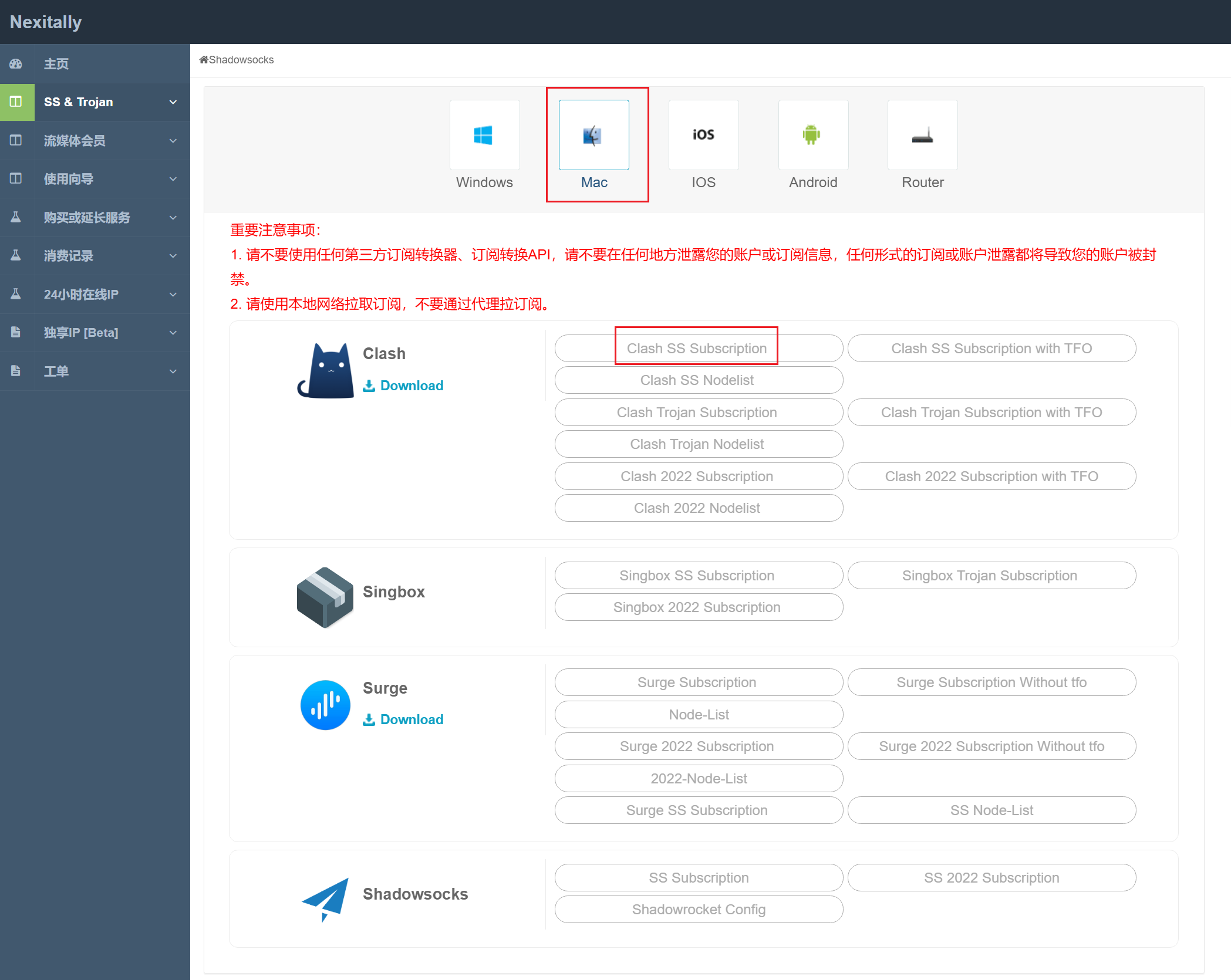
点击左侧「 SS & Trojan」,点击「 Windows」-「Clash 」-「 Clash 2022 Subscription」,以获取Clash订阅链接。
点击左侧「订阅」,然后粘贴您刚才复制的Clash订阅链接到上方输入框,然后点击右手边的「订阅文件链接」,并粘贴您的订阅,再点击导入。然后选中下方刚才下载到的「Nexitally\_Clash.yml」。导入成功后,鼠标右键点击刚才导入的配置文件,下拉菜单点击「使用」。
## 开始使用
点击左侧「设置」,通过「系统代理」按钮来控制代理开关。
点击左侧「代理」,进入节点控制页面,选取您需要使用的节点。
## 重要提示
没有特殊情况请不要使用「全局模式」,此模式可能会导致官方订阅的配置文件内的某些特殊设定失效影响正常使用。
---
# Agent Instructions: Querying This Documentation
If you need additional information that is not directly available in this page, you can query the documentation dynamically by asking a question.
Perform an HTTP GET request on the current page URL with the `ask` query parameter:
```
GET https://nexitally-1.gitbook.io/nexitally-wen-dang-zhong-xin/nexitally-wen-dang-dao-hang/clash-verge-for-mac.md?ask=
```
The question should be specific, self-contained, and written in natural language.
The response will contain a direct answer to the question and relevant excerpts and sources from the documentation.
Use this mechanism when the answer is not explicitly present in the current page, you need clarification or additional context, or you want to retrieve related documentation sections.